
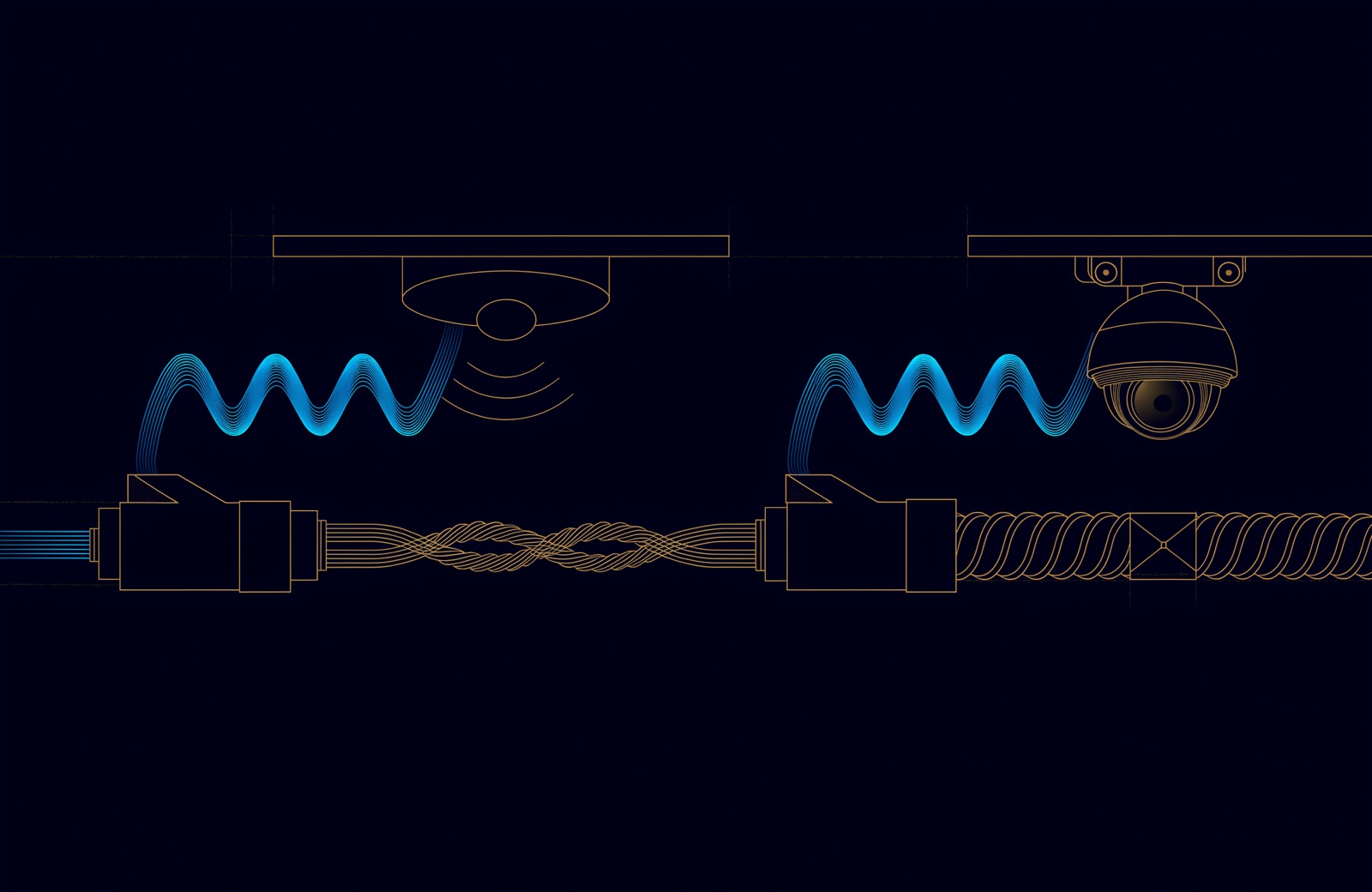
Cat6 vs Cat6A for a new UAE office: Cat6 meets the TDRA minimum and carries 1, 2.5 and 5 Gbps to 100 m, which suits desks. Cat6A, specified to 500 MHz against Cat6's 250 MHz, carries 10 Gbps to 100 m, where Cat6 is rated to 55 m. Use Cat6A for Wi-Fi access points, 10G links and high-power PoE bundles.
So the useful question is which outlets need which. This article covers only that choice for the horizontal cable to each outlet; the backbone is in Cat 6A or fibre: what a UAE cabling design actually has to answer for, and the whole system in what structured cabling is.
Cat6 vs Cat6A: the difference in one table
The difference is frequency, and what it lets 10 Gbps Ethernet do. Category 6 is specified to 250 MHz and Category 6A to 500 MHz; ISO/IEC 11801 calls the same performance Class E and Class EA, as Fluke Networks, a cable tester manufacturer, sets out. Both are designed for the same 100 m channel: up to 90 m of fixed cable plus 10 m of cords. Up to 5 Gbps the two reach the same distance; at 10 Gbps they part company.
| Category | ISO/IEC class | Specified to (MHz) | 1 and 2.5 Gbps reach (m) | 5 Gbps reach (m) | 10 Gbps reach (m) |
|---|---|---|---|---|---|
| Cat6 | Class E | 250 | 100 | 100 | 55 on unscreened cable; 37 in harsh alien crosstalk conditions |
| Cat6A | Class EA | 500 | 100 | 100 | 100 |
Two cells carry conditions. The 5 Gbps reach on Cat6 is an IEEE objective "on defined use cases and deployment configurations", so dense bundles still deserve testing. And the 55 m applies to unscreened (U/UTP) Cat6; the IEEE task force's own table listed screened Cat6 at 100 m. The standards a UAE project is likely to cite place the two categories like this:
| Requirement | Cat6 | Cat6A |
|---|---|---|
| TDRA buildings manual, new installations | The minimum | The option to "future-proof" for higher data rates and newer PoE |
| TDRA manual, error-free channel once lengths are de-rated for local temperature (Gbps) | Up to 1 | Up to 10 |
| ANSI/TIA-568.1-E Addendum 1 (2023), Wi-Fi access points | Does not meet it | 2 cables per access point |
The TDRA manual sets the minimum for a building's own telecom network, and it states that "cabling within the tenant space ... for onward distribution of services beyond the tenant equipment is not in the scope of these requirements". A tenant's office fit-out therefore follows its project specification, usually TIA-568 or ISO/IEC 11801.
Is Cat6 enough for 10 Gbps? The 55 metre question
Up to 55 m on unscreened Cat6, yes, and up to 37 m where bundles are bound tightly. Beyond that, only after the installed links have been assessed for alien crosstalk and, where needed, fixed. When IEEE wrote 10GBASE-T, the 10 Gbps standard for twisted pair (IEEE 802.3an, approved in June 2006), its objective was a single PHY supporting "at least 55 m to 100 m" on Class E (Cat6) cabling and at least 100 m on Class F.
The Ethernet Alliance's 2007 white paper on 10GBASE-T explains the number: for unscreened Class E, the 55 m limit "was established based on alien crosstalk measurements of installed UTP cabling representative of a 'reasonable' worst case". Alien crosstalk is noise picked up from neighbouring cables in the same bundle, and controlling it is what Category 6A was written to do; how it behaves in trays and at patch panels is explained in the Cat 6A or fibre article.
TIA's bulletin for 10GBASE-T on installed Cat6, TSB-155, goes lower for harsh conditions: where bundles are bound tightly, as with the grips that hold cable bundles in a riser, it gives channel lengths of up to 37 m. Its current edition, TSB-155-A, is titled "Guidelines for the assessment and mitigation of installed Category 6 cabling to support 10GBASE-T" (TIA list of current standards, 2023).
- The 55 m is end to end: from switch port to device port, cords included.
- Existing Cat6 can be qualified, not assumed. TSB-155 adds alien crosstalk testing and mitigation to the usual certification; separating equipment and patch cords, and unbundling the first 5 to 20 m of horizontal cable, are among the field fixes the Ethernet Alliance lists.
- New 10 Gbps links are simpler on Cat6A. Its measured alien crosstalk is better than 10GBASE-T requires, so 100 m is supported without that assessment.
Multi-gigabit Ethernet: why 2.5G and 5G changed the answer
Because they run on Cat6 for the full 100 m. IEEE 802.3bz, approved on 22 September 2016, added 2.5GBASE-T and 5GBASE-T. Its objectives were 2.5 Gbps over at least 100 m of Cat5e, and 5 Gbps over at least 100 m of Cat6 and up to 100 m of Cat5e, each "on defined use cases and deployment configurations", with PoE supported.
So the question for an ordinary outlet is no longer "will this desk need more than 1 Gbps?" but "will anything plugged in here need more than 5 Gbps, more than 55 m from the switch?" For many desks the answer is no, and Cat6 is a sound choice. For an access point, a 10 Gbps uplink or storage and AV links, it may be yes.
Can Wi-Fi 7 access points run on Cat6?
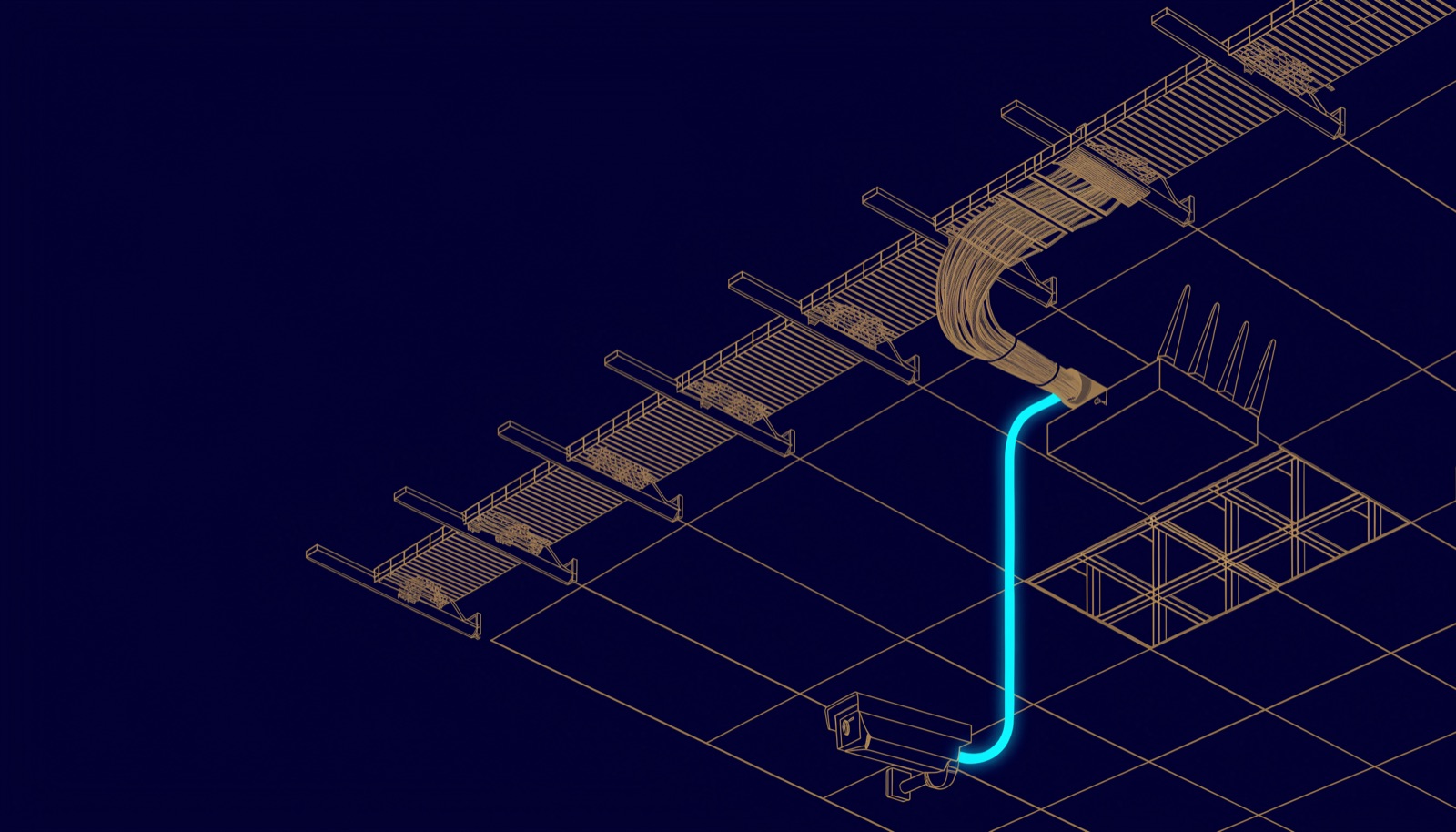
Electrically, yes, at 2.5 or 5 Gbps up to 100 m. But a specification that cites the current TIA commercial building standard asks for Cat6A: Addendum 1 to ANSI/TIA-568.1-E, announced by TIA on 10 March 2023, "adds a requirement for 2 category 6A cables for WAPs" (wireless access points).
The hardware explains why. The Wi-Fi Alliance says Wi-Fi 7's 320 MHz channels in the 6 GHz band enable "multigigabit Wi-Fi device speeds". Cisco's deployment guide for its Wireless 9178I, a Wi-Fi 7 access point, lists two 10 Gbps multigigabit ports that both accept PoE; on 802.3bt (Class 6) power it runs all four serving radios at 4x4 and both ports at 10 Gbps, while on 802.3at it drops from 16 to 8 spatial streams and its ports run at 2.5 or 1 Gbps. On a Cat6 run longer than 55 m, a 10 Gbps port like that can only be relied on at a lower speed.
The UAE manual points the same way. The TDRA Buildings Telecommunications Network Specification Manual sets Category 6 as the minimum for new installations, and says designers "may future-proof designs by providing category 6A cabling, which supports higher data rates and provides support for newer power-over-ethernet (PoE) standards that are typically used for video surveillance camera and wireless local area network access points." The switch side of wireless design is covered in designing campus wireless for the morning everyone arrives.
Do I need Cat6A for PoE?
Not for PoE as such: TIA's guidance on power over twisted pair, TSB-184, covers installations of Category 5e, 6 and 6A. Cat6A starts to matter when many cables in one bundle carry high power, because the power lost in each cable becomes heat inside the bundle.
| PoE type (IEEE standard) | Power at the switch port (W) | Power at the device (W) | Pairs carrying power |
|---|---|---|---|
| Type 1 (802.3af) | 15.4 | 13 | 2 |
| Type 2 (802.3at) | 30 | 25.5 | 2 |
| Type 3 (802.3bt) | 60 | 51 | 2 or 4 (always 4 from Class 5) |
| Type 4 (802.3bt) | 90 | 71.3 | 4 |
Figures from the Ethernet Alliance overview of 802.3bt (2019); IEEE 802.3bt-2018 has since been consolidated into IEEE 802.3-2022.
That gap is the worst-case allowance for power lost in the cable (powering over four pairs instead of two halves those losses, the Ethernet Alliance notes). One cable sheds its heat easily; a bundle of dozens in a tray or riser does not. TIA's TSB-184-A (2017) covers this: its draft, presented to the IEEE 802.3bt task force in a 2015 briefing, tabulates the current each pair can carry for a given temperature rise by cable category and bundle size. The same briefing notes that cables in commercial premises generally have a temperature rating of 60 °C, and that no cable should run above its temperature rating.
In the UAE that rating meets a hot riser. The TDRA manual requires cable lengths to be "de-rated where required due to local temperature conditions and cable specifications" so that channels stay error-free up to 1 Gbps on Category 6 and 10 Gbps on Category 6A. Bundle sizes and riser temperatures are worked through in the Cat 6A or fibre article, and camera power budgets in the CCTV system guide. A floor of Wi-Fi 7 access points or high-power cameras on 802.3bt is where the case for Cat6A is strongest.
Cat6e, Cat7 and Cat8 in the comparison
Three other names come up in quotations, and none of them changes the office decision. Cat6e is a label some sellers use; it does not appear in the TIA and ISO category table Fluke Networks publishes, so ask which category a link is certified to. Category 7 and 7A are ISO/IEC categories, for Class F at 600 MHz and Class FA at 1,000 MHz, and TIA has recognised neither. Category 8, specified to 2,000 MHz, carries 25 and 40 Gbps Ethernet over up to 30 m (IEEE 802.3bq-2016), a data centre distance rather than an office one.
How to decide, outlet by outlet
Decide per outlet type, in this order: does the outlet feed an access point, will it carry 10 Gbps beyond 55 m, and will it sit in a bundle of high-power PoE?
On a typical office floor that gives a split like the one below. It is our usual starting point, not a standard, and the project specification overrides it.
| Outlet | What it usually needs | Category | Deciding reason |
|---|---|---|---|
| Wi-Fi access point | Multigigabit uplink, 802.3bt power | 2 × Cat6A | TIA-568.1-E Addendum 1 |
| Uplink, storage or AV link at 10 Gbps | 10GBASE-T | Cat6A, or fibre | Cat6 is rated to 55 m at 10 Gbps |
| High-power PoE device in a large bundle | Type 3 or Type 4 PoE | Cat6A | Heat in the bundle; TDRA de-rating |
| Desk, phone, printer | 1 Gbps today, up to 5 Gbps later | Cat6 | 802.3bz runs 5 Gbps to 100 m on Cat6 |
| Fixed camera, door controller | Low data rate, Type 1 or Type 2 PoE | Cat6 | Cat6 is the TDRA minimum |
Keep each link one category from patch panel to outlet, cords included, and size containment from the diameter on the chosen cable's datasheet. Where the TDRA manual governs the copper, which is the cabling the developer provides from a consolidation cabinet to the outlets it serves, it requires "the components of the system" to "all be of the same category (6 or 6A) and type (UTP or STP), and from a single manufacturer". A tenant's own fit-out cabling follows the project specification, usually TIA-568 or ISO/IEC 11801.
How UBM handles it
UBM installs Cat6 and Cat6A permanent links as part of its network and structured cabling work, and the category is settled on the outlet schedule, after a site survey and a look at the risers, before anything is ordered. Each outlet type gets a category and the reason for it. When a budget forces a choice, we show where each category goes rather than dropping a category across the floor to make a price work. Every link is certified to the limits of its category and labelled at both ends, and the test results go into the handover pack with the as-built drawings and port schedules. Norden and Opterna are the cabling brands on our partners list; authorisation levels are confirmed in writing at quotation.
For an existing Cat6 floor that now needs 10 Gbps, the starting point is the link lengths in the original test records. To have an outlet schedule or an installation reviewed, talk to a UBM engineer.
Questions people ask
Is Cat6 enough for 10 Gbps?
Up to 55 m on unscreened Cat6, switch port to device port, as IEEE 802.3an supports. TIA's TSB-155 gives up to 37 m where bundles are bound tightly; beyond 55 m, assess and mitigate alien crosstalk first. Cat6A carries 10 Gbps the full 100 m.
Do I need Cat6A for PoE?
Not for PoE itself; TIA's PoE cabling guidance covers Category 5e, 6 and 6A. Cat6A earns its place where large bundles carry Type 3 or Type 4 power (60 or 90 W at the switch), because the power lost in each cable becomes heat.
Can Wi-Fi 7 access points use Cat6?
They can link at 2.5 or 5 Gbps over Cat6 up to 100 m. But Addendum 1 to ANSI/TIA-568.1-E requires two Category 6A cables per wireless access point, and a 10 Gbps access point port needs Cat6A to run at that speed beyond 55 m.
Do I need shielded Cat6A?
Not necessarily. The TDRA manual says that where Category 6A is specified, UTP or STP may be used. Screened cable resists alien crosstalk and outside noise better, and we bond its screen to the telecom room earth as part of the earthing we install with the cabling.
Is Cat6A worth it for a small office?
For outlets that feed access points, carry 10 Gbps beyond 55 m or sit in high-power PoE bundles, yes. For desks, phones and printers, Cat6 meets the TDRA minimum and carries up to 5 Gbps to 100 m. Changing cable later means reopening ceilings, so decide per outlet.
Is a Cat6 router the same as a Cat6 cable?
No. "Cat4" or "Cat6" on a 4G router is the LTE device category in 3GPP TS 36.306: Category 4 receives up to 150,752 bits per 1 ms interval (about 150 Mbps) and Category 6 up to 301,504 (about 300 Mbps). It describes the modem, not the cable.
Sources
- IEEE P802.3an (10GBASE-T) Task Force (IEEE 802.3 Working Group; standard approved June 2006, since incorporated into IEEE Std 802.3)
- IEEE 802.3 10GBASE-T Study Group Objectives (IEEE 802.3, 2003)
- 10GBASE-T: 10 Gigabit Ethernet over Twisted-pair Copper, Version 1.0 (Ethernet Alliance, 2007)
- Current Revision of TIA Standards Available, including TSB-155-A and TSB-184-A (TIA Fiber Optics Technology Consortium, 2023)
- IEEE P802.3bz 2.5G/5GBASE-T Task Force (IEEE 802.3 Working Group; standard approved 22 September 2016, since incorporated into IEEE Std 802.3)
- IEEE 802.3 NGEABT Objectives (IEEE 802.3, approved 12 March 2015)
- IEEE 802.3bt-2018, Power over Ethernet over 4 pairs (IEEE, 2018; superseded by IEEE 802.3-2022)
- Overview of 802.3bt, Power over Ethernet standard (Ethernet Alliance, 2019)
- TSB-184, Guidelines for Supporting Power Delivery Over Balanced Twisted-Pair Cabling: addendum briefing to IEEE 802.3bt (C. DiMinico, January 2015)
- TIA-568.1-E-1, Addendum 1: Balanced Single Twisted-pair Cabling; Cabling Requirements for Wireless Access Points (TIA, 2023)
- Buildings Telecommunications Network Specification Manual: Guidelines for FTTx in new Buildings, V3.0 (TDRA, 2024)
- Bandwidth vs Data Rate: What's the Difference? (Fluke Networks, 2019)
- What Ever Happened to Category 7? (Fluke Networks, 2018)
- IEEE 802.3bq-2016, 25GBASE-T and 40GBASE-T (IEEE, 2016; superseded)
- Wi-Fi (MAC/PHY): Wi-Fi CERTIFIED 7 (Wi-Fi Alliance)
- Cisco Wireless CW9178I Access Point Deployment Guide (Cisco, updated December 2024)
- ETSI TS 136 306 V15.8.0, LTE: User Equipment radio access capabilities (3GPP TS 36.306 Release 15) (ETSI, 2020)
Comments
Questions and experience from readers. A person reads every comment before it appears.
No comments yet. If something here does not match what you have seen on site, say so.