
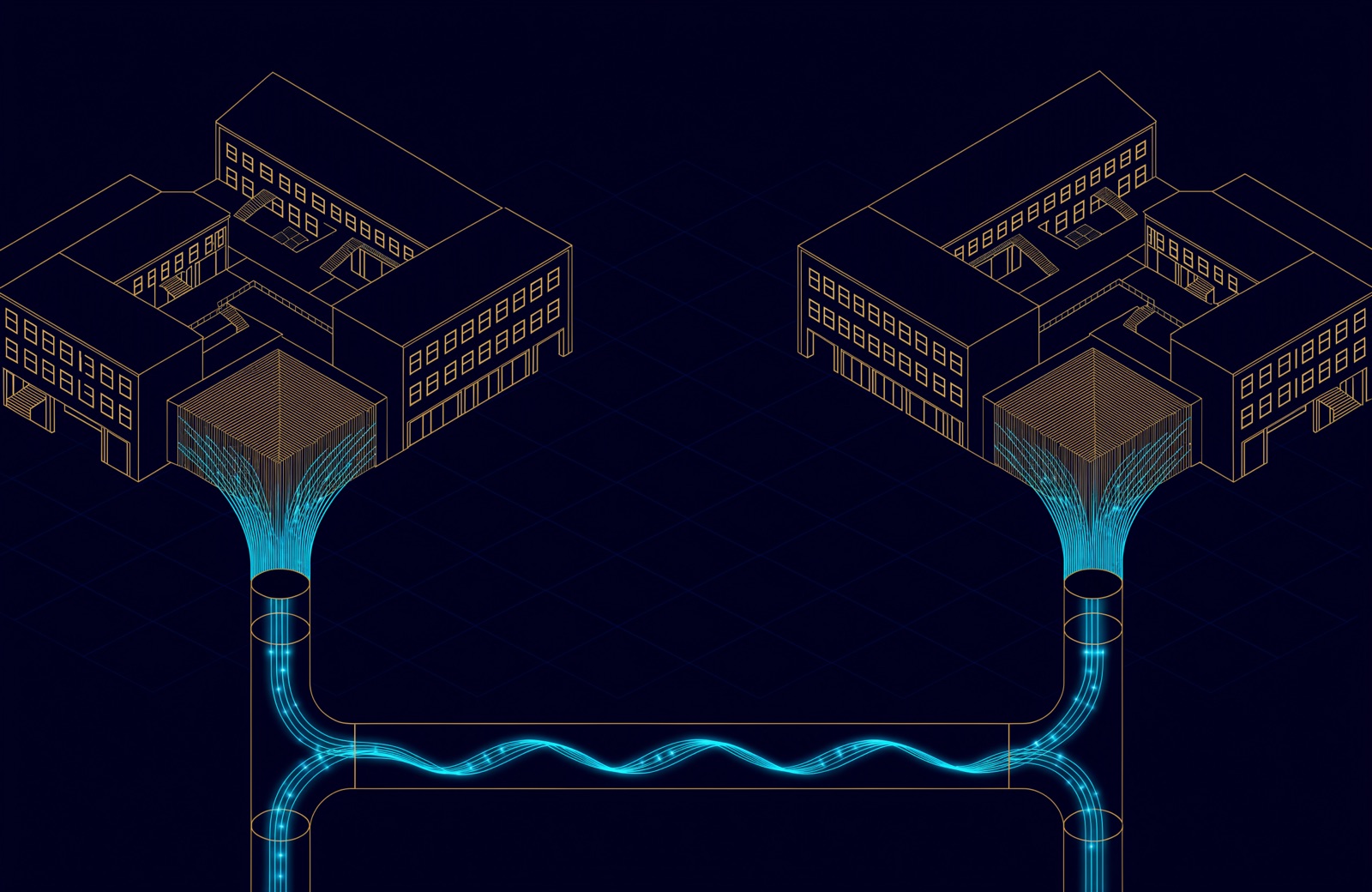
For fibre (fiber) optic cabling in buildings and campuses, the single mode vs multimode answer is mostly about distance. Use single-mode (OS2) between buildings and on any run longer than multimode can carry at the speed you plan. Use multimode (OM4) inside a building, in risers and data rooms, where runs stay within its reach.
In numbers: OM4 carries 10 Gb/s up to 400 m and 100 Gb/s up to 100 m, while one OS2 pair carries both to 10 km. Multimode optics cost less; single-mode cable costs less. And under TDRA's buildings manual, new UAE buildings must be equipped with infrastructure the operators can use; in most building types that is a single-mode FTTx network installed by the developer, separate from your own backbone.
Single mode vs multimode: what is the difference?
The size of the core, and so the number of paths the light can take. Multimode fibre has a 50 µm core inside a 125 µm cladding; light travels along many paths, called modes. Single-mode fibre has a nominal mode field of 8.6 to 9.2 µm at 1310 nm for ITU-T G.652.D fibre, inside the same 125 µm cladding, so the light follows one path.
The paths in multimode are not quite the same length, so a pulse of light spreads as it travels. Fluke Networks calls this differential mode delay, the main limit on multimode bandwidth; it grows with distance, which is why multimode stops at hundreds of metres while single-mode runs to kilometres. Graded-index cores reduce the spread, and the grades differ in how well they do it: OM4 has a modal bandwidth of 4,700 MHz·km against 2,000 MHz·km for OM3.
The light sources differ too. Multimode links use VCSEL lasers at 850 nm. Single-mode needs a laser with a narrower spectral width, at 1310 nm or 1550 nm, which is what makes its transceivers dearer.
| Property | Multimode (OM3, OM4, OM5) | Single-mode (OS2) |
|---|---|---|
| Core or mode field (µm) | 50 core | 8.6 to 9.2 mode field (G.652.D) |
| Cladding (µm) | 125 | 125 |
| Light source and wavelength (nm) | VCSEL at 850 | Narrow laser at 1310 or 1550 |
| Reach at 10 Gb/s (m) | 300 on OM3, 400 on OM4 | 10,000 (10GBASE-LR) |
| Maximum cabled attenuation (dB/km) | 3.5 at 850 nm (OM3, OM4); 3.0 (OM5) | 0.4 (OS2); 1.0 (OS1a) |
| Usual jacket colour | Aqua (OM3, OM4; some OM4 is violet); lime green (OM5) | Yellow |
| Cost pattern | Cheaper optics | Cheaper cable, dearer optics |
The attenuation limits are the cabled fibre categories of ISO/IEC 11801-1:2017, as summarised by the cable maker Fibrain. The colours are common practice as Fluke describes it, not proof of type, so read the print on the jacket.
Single mode vs multimode distance: how far each one reaches
Reach depends on the fibre grade and the speed. These are the cabling distances Cisco publishes for its standard transceivers in its 10G, 40G and 100G data sheets.
| Optic | Connector | OM3 (m) | OM4 (m) | OM5 (m) | OS2 (m) |
|---|---|---|---|---|---|
| 10GBASE-SR, 850 nm | LC duplex | 300 | 400 | 400 | n/a |
| 40GBASE-SR4, 850 nm | MPO-12 | 100 | 150, engineered link | 150, engineered link | n/a |
| 100GBASE-SR4, 850 nm | MPO-12 | 70 | 100 | 100 | n/a |
| 100G BiDi (Cisco SR1.2), 855 and 908 nm | LC duplex | 70 | 100 | 150 | n/a |
| 100GBASE-DR, 1310 nm | LC duplex | n/a | n/a | n/a | 500 |
| 100GBASE-FR, 1310 nm | LC duplex | n/a | n/a | n/a | 2,000 |
| 10GBASE-LR, 40GBASE-LR4, 100GBASE-LR4 | LC duplex | n/a | n/a | n/a | 10,000 |
- The 150 m at 40 Gb/s on OM4 is an engineered link. Cisco marks it as one with a maximum loss budget of 1 dB, and Fluke Networks gives the 40GBASE-SR4 channel loss limit as 1.5 dB over 150 m of OM4, against 2.9 dB over 400 m for 10GBASE-SR. Either way, there is little room for connectors.
- One OS2 pair runs every speed in the last row. Moving from 10 to 40 to 100 Gb/s at up to 10 km changes the optics at each end, not the cable.
- OM5 reaches no further than OM4 at the standard 850 nm speeds. Its extra bandwidth pays only with multi-wavelength optics such as the BiDi row; the TIA Fiber Optics Technology Consortium notes it was designed for data centres.
At 1 Gb/s, which still serves many cameras and outbuildings, Cisco lists 1,000 m for its 1000BASE-SX module on OM3, OM4 and OM5 (550 m on OM2) and 10 km for its 1000BASE-LX/LH module on single-mode. OM1 and OM2 are obsolete in ISO/IEC 11801 and TIA-568, the TIA consortium says: new installations should use OM3, OM4 or OM5.
Where each fibre belongs in a building or on a campus
Single-mode between buildings, multimode inside them, and single-mode inside only where a route outgrows multimode. Our earlier piece, Cat 6A or fibre: what a UAE cabling design actually has to answer for, makes the same split and leans further towards future-proofing: OS2 for any run that might one day carry 40G or 100G. The reach table above shows why, since OM4 stops at 150 m and 100 m at those speeds.
| Link | Fibre | Why |
|---|---|---|
| Building to building, through campus ducts | OS2 single-mode | One duplex pair runs 10 to 100 Gb/s at up to 10 km |
| Main equipment room or data room to floor telecom rooms (TRs), through the riser | OM4 multimode, or OS2 where the route is longer than OM4's reach at the planned speed | OM4 covers 400 m at 10 Gb/s and 100 m at 100 Gb/s with cheaper optics |
| Switch to switch inside a data room | OM4 multimode; OM5 only for multi-wavelength optics | Short runs, many ports, cheaper optics |
| Passive optical LAN to the desk | Single-mode | The TIA consortium says it primarily uses single-mode, typically with SC/APC connectors |
| Operator FTTx network | Single-mode, bend-insensitive | Required by TDRA's buildings manual (see below) |
When single-mode inside a building is worth it
- Long risers. Measure the route from the farthest telecom room to the main equipment room along the tray, vertical runs included. Beyond 100 m, 100 Gb/s uplinks are out of OM4's reach.
- Planned 100 Gb/s on duplex fibre. 100GBASE-DR and FR run on one LC pair to 500 m and 2 km. On multimode, 100 Gb/s means SR4 optics on a 12-fibre MPO link, or a BiDi optic limited to 100 m on OM4.
- Uncertain futures. A riser cable can carry OM4 cores for today's links and a few OS2 cores for later, which avoids pulling a second cable through a full riser.
Outdoor runs between buildings
A copper data cable between buildings also connects their earthing systems, so a nearby lightning strike or fault can push surge current along it; fibre breaks that path. Construction still matters: fibre cable with metal armour or strength members is conductive and its armour should be bonded and earthed, while an all-dielectric cable needs neither, as Corning explains under the US electrical code. Agree the detail with the electrical consultant.
Is single-mode fibre more expensive?
The cable is not; the optics are. Fluke Networks wrote in 2017 that single-mode cable costs less than multimode cable, but single-mode transceivers cost 1.5 to 4 times as much as multimode ones, because of their narrower lasers. The TIA consortium said the same in 2018: multimode optics cost less than single-mode optics.
That ratio moves with each product generation, so price both options with current quotes for the optics, counted per link and at both ends. In a data room with dozens of short links, the transceiver count multiplies the difference; on a single campus link, reach decides before price does.
Operator FTTx fibre and the TDRA buildings manual
A new UAE building with its own enterprise network usually carries two fibre systems. TDRA's Buildings Telecommunications Network Specification Manual (V3.0, released 2024), listed on TDRA's telecommunications infrastructure guidelines page, governs the FTTx network built for the operators, by the developer in most building types, from the main telecom room (MTR) to each tenant. Its fibre cable must be single-mode, indoor grade, halogen-free (LSZH) and bend-insensitive, with air-blown micro-cable to ITU-T G.657 A1/A2, colour-coded to ISO/IEC 11801-1, laid in continuous lengths free from joints and splices, with at least 25 % spare cores, and tested to ISO/IEC 14763-3. The operators' splitters use SC/APC connectors for Etisalat and LC/APC for du.
The manual says cabling inside the subscriber's space is outside its scope, apart from some minimum requirements for Cat6. Your own backbone is enterprise structured cabling to TIA-568 or ISO/IEC 11801, chosen link by link as above, and the two meet at the consolidation cabinet in each tenant space; our guide to structured cabling and its six subsystems explains that handover. An older version 1.1 of the manual (TRA, 2017) is still hosted on an operator support site; it is superseded, so check that drawings refer to V3.0.
Bend-insensitive does not mean incompatible: ITU-T G.657 category A fibre complies with G.652.D, with A1 suited to a 10 mm minimum bend radius and A2 to 7.5 mm.
Connectors: LC, SC and MPO
LC is the duplex connector on almost every enterprise switch optic, SC appears mostly on the operator side, and MPO carries the parallel optics used at 40 and 100 Gb/s on multimode.
| Connector | Fibres per connector | Where you meet it |
|---|---|---|
| LC (duplex) | 2 | SFP and SFP+ optics (Cisco lists dual LC/PC), duplex 40 and 100 Gb/s optics (BiDi, DR, FR, LR4), backbone patch panels; LC/APC on du's splitters |
| SC | 1 (simplex) | SC/APC on Etisalat's splitters and on the operators' patch panels in the TDRA manual, and in passive optical LANs |
| MPO-12 | 12 | 40GBASE-SR4 and 100GBASE-SR4 parallel optics; Cisco's 40G SR4 can also break out to four 10G links |
APC connectors are angle-polished; the enterprise optics in Cisco's data sheets use LC/PC, which is not, so order patch cords to match the polish at each end. For MPO trunks, ANSI/TIA-568.3-E (2022) describes several polarity methods that may not interoperate, and recommends choosing one in advance and keeping it throughout the installation. In data centres, ANSI/TIA-942-C (2024) still specifies only LC and MPO at the equipment outlet.
Fibre optic installation: fusion splicing or pre-terminated assemblies?
Both are standard practice, and the route decides. Fusion splicing welds factory-made pigtails onto the cable ends in a splice tray; pre-terminated assemblies arrive with the connectors already fitted.
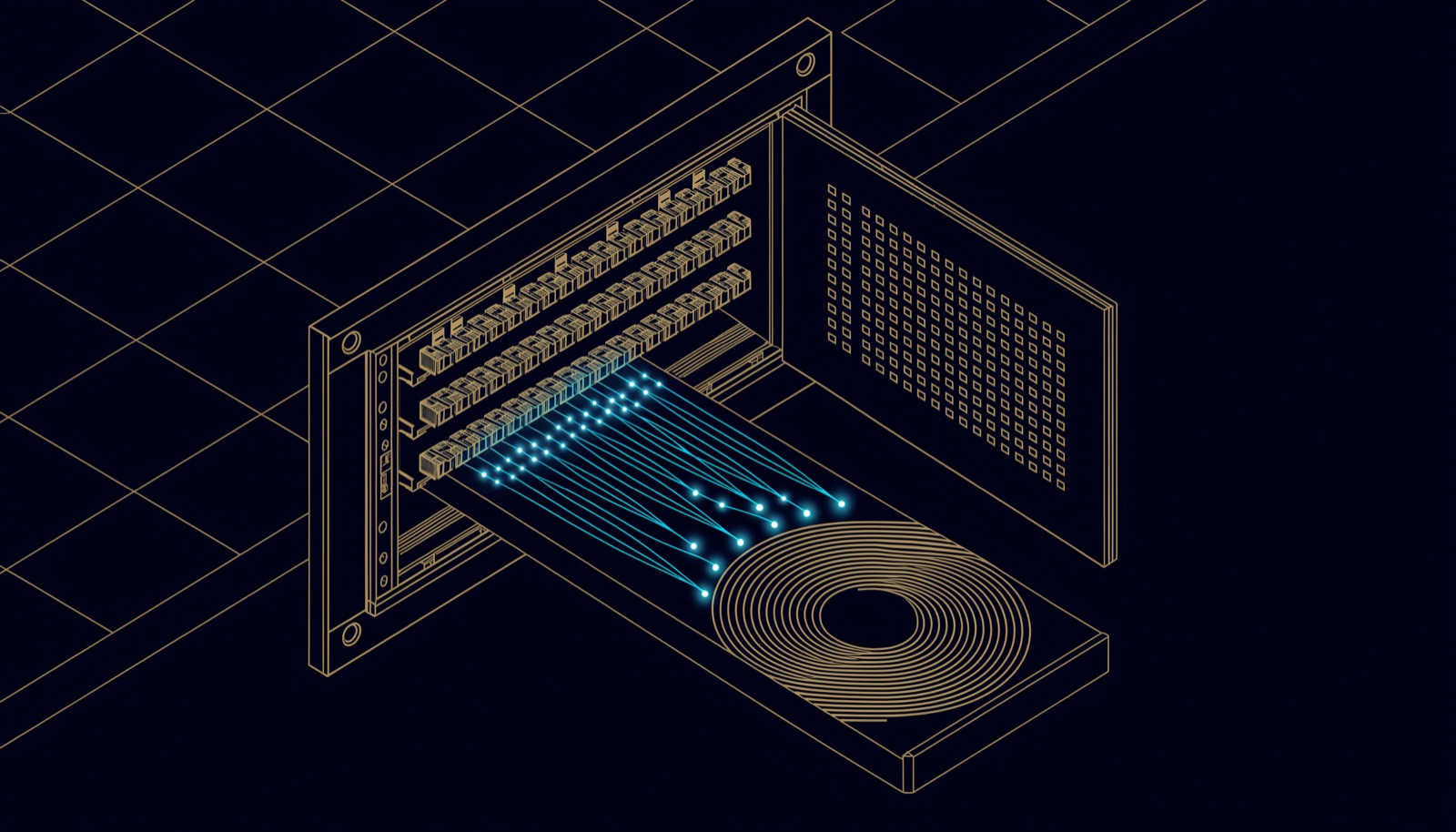
| Question | Fusion splicing | Pre-terminated |
|---|---|---|
| Cable length | Cut to fit on site | Ordered to a measured length, slack stored at the ends |
| Loss at each end (dB) | Connector pair (up to 0.75, typically 0.2 to 0.5) plus one splice (up to 0.3) | One connector pair (up to 0.75, typically 0.2 to 0.5); two pairs where an MPO trunk plugs into an MPO-to-LC cassette |
| Site work | Splicing machine and a skilled technician at every joint | Plug in; TIA-942-B (2017, since replaced by 942-C) recommended considering it to cut installation time and improve consistency |
| Usually suits | Campus ducts, long risers, uncertain lengths and repairs | Data rooms, short repeatable runs and MPO trunks |
The maximum losses are TIA's and the typical ones manufacturers', as Fluke Networks reports them. The faster the link, the more each joint counts: in Fluke's example, which counts the fibre at 3.0 dB/km, 150 m of OM4 at 40 Gb/s uses 0.45 dB of the 1.5 dB budget, so four connectors at 0.3 dB each put the link 0.15 dB over; at 10 Gb/s the same link has 1.25 dB to spare. The TDRA manual takes the splice route for the operators' network: each fibre cable is one continuous length free from joints and splices, and in most building types the developer splices, labels and tests the fibres in the MTR, the floor telecom rooms (FTRs) and the consolidation cabinets. In the multicore design the manual allows for high-rise buildings, malls and other large buildings, the riser cables are spliced to 4-core drop cables in a mini optical distribution frame (ODF) in each FTR.
Testing fibre before handover
Test every fibre for loss and length with an optical loss test set (OLTS: a light source at one end, a power meter at the other); TIA and ISO call this Tier 1. Tier 2 (extended testing in ISO terms) adds an OTDR trace showing each connector and splice, which Fluke Networks says complements the loss test rather than replacing it. For multimode, the standards require an Encircled Flux (EF) light source on the OLTS. For the operators' FTTx, TDRA requires all optical testing to follow ISO/IEC 14763-3. What the results should show is in our guide to what a cable certification report should contain.
How UBM handles it
UBM installs OM4 and OS2 backbone as part of its network and structured cabling work. We measure each route along the actual pathway, agree the fastest speed each link should carry, and choose multimode or single-mode per link with the optics priced alongside the cable. Every fibre is spliced or terminated to the agreed drawings, certified and labelled at both ends, and the results are handed over with the as-built drawings and port schedules.
Norden and Opterna are the passive cabling brands on our partners list; authorisation levels are confirmed in writing at quotation. Where a building also has an operator FTTx network, we keep our backbone and its routes separate on the drawings. To have a backbone design or fibre schedule reviewed, talk to a UBM engineer.
Questions people ask
Can single-mode and multimode fibre be mixed on one link?
Not in a working link. The cores are different sizes, about 9 µm against 50 µm, and each transceiver is specified for one fibre type, so optics and patch cords must match the installed fibre. One narrow exception: Cisco allows its 1 Gb/s LX/LH module on multimode through a mode-conditioning patch cord.
How far can multimode fibre go?
On OM4: 400 m at 10 Gb/s, 150 m at 40 Gb/s as an engineered link, and 100 m at 100 Gb/s with SR4 optics. OM3 reaches 300, 100 and 70 m. At 1 Gb/s, Cisco lists 1,000 m for its 1000BASE-SX module on OM3 and OM4.
Is OM5 worth paying for over OM4?
Only with multi-wavelength multimode optics. At the standard 850 nm speeds OM5 reaches the same distances as OM4; Cisco's 100G BiDi optic reaches 150 m on OM5 against 100 m on OM4.
What colour is single-mode fibre?
Usually yellow. OM3 and OM4 are usually aqua, some OM4 is violet, and OM5 is lime green. Colour is common practice rather than proof, so check the type printed on the jacket.
Does fibre optic cable need earthing?
An all-dielectric cable has no metal and needs no bonding or earthing. A cable with metal armour or strength members is conductive; Corning, writing under the US electrical code, says its armour should be bonded and earthed. Agree the local detail with the electrical consultant.
Does the TDRA buildings manual apply to my office backbone?
No. It covers the FTTx network built for the operators, and puts cabling inside the subscriber's space outside its scope apart from some Cat6 minimums. Your backbone follows TIA-568 or ISO/IEC 11801.
Sources
- ITU-T G.652, Characteristics of a single-mode optical fibre and cable (ITU, 08/2024)
- ITU-T G.657, Characteristics of a bending-loss insensitive single-mode optical fibre and cable (ITU, 08/2024)
- ISO/IEC 11801-1:2017, Generic cabling for customer premises, Part 1: General requirements (IEC, 2017; Amendment 1, 2025)
- ISO 11801 3rd edition, white paper (Fibrain, 2018)
- ANSI/TIA-568.3-E, Optical Fiber Cabling and Components Standard: summary (TIA Fiber Optics Technology Consortium, 2022)
- ANSI/TIA-942-C, Telecommunications Infrastructure Standard for Data Centers: summary (TIA Fiber Optics Technology Consortium, 2024)
- Optical Fiber Types and FAQs (TIA Fiber Optics Technology Consortium, 2018, read October 2026)
- Cisco 10GBASE SFP+ Modules Data Sheet (Cisco, read October 2026)
- Cisco 40GBASE QSFP Modules Data Sheet (Cisco, updated May 2022, read October 2026)
- Cisco 100GBASE QSFP-100G Modules Data Sheet (Cisco, read October 2026)
- Cisco SFP Modules for Gigabit Ethernet Applications Data Sheet (Cisco, read October 2026)
- Multimode vs Single-Mode Fiber (Fluke Networks, 2017)
- Cable Testing 101: What is the Difference Between OM3 and OM4? (Fluke Networks, 2016)
- Cable Testing 101: What's My Loss Budget? (Fluke Networks, 2019)
- OLTS and OTDR: A Complete Testing Strategy (Fluke Networks, undated, read October 2026)
- ISO/IEC 14763-3:2024, Implementation and operation of customer premises cabling, Part 3: Testing of optical fibre cabling (ISO/IEC, 2024)
- Buildings Telecommunications Network Specification Manual: Guidelines for FTTx in new Buildings, V3.0 (TDRA, 2024)
- Telecommunications infrastructure guidelines (TDRA)
- In-Building Telecommunication Network Specification Manual, V1.1 (TRA, 2017; superseded by V3.0)
- Best practices for bonding and grounding armored fiber cable (Sara Chase, Corning, in Cabling Installation & Maintenance, 2011)
- Ground potentials and damage to LAN equipment (Cabling Installation & Maintenance, 1996)
Comments
Questions and experience from readers. A person reads every comment before it appears.
No comments yet. If something here does not match what you have seen on site, say so.