
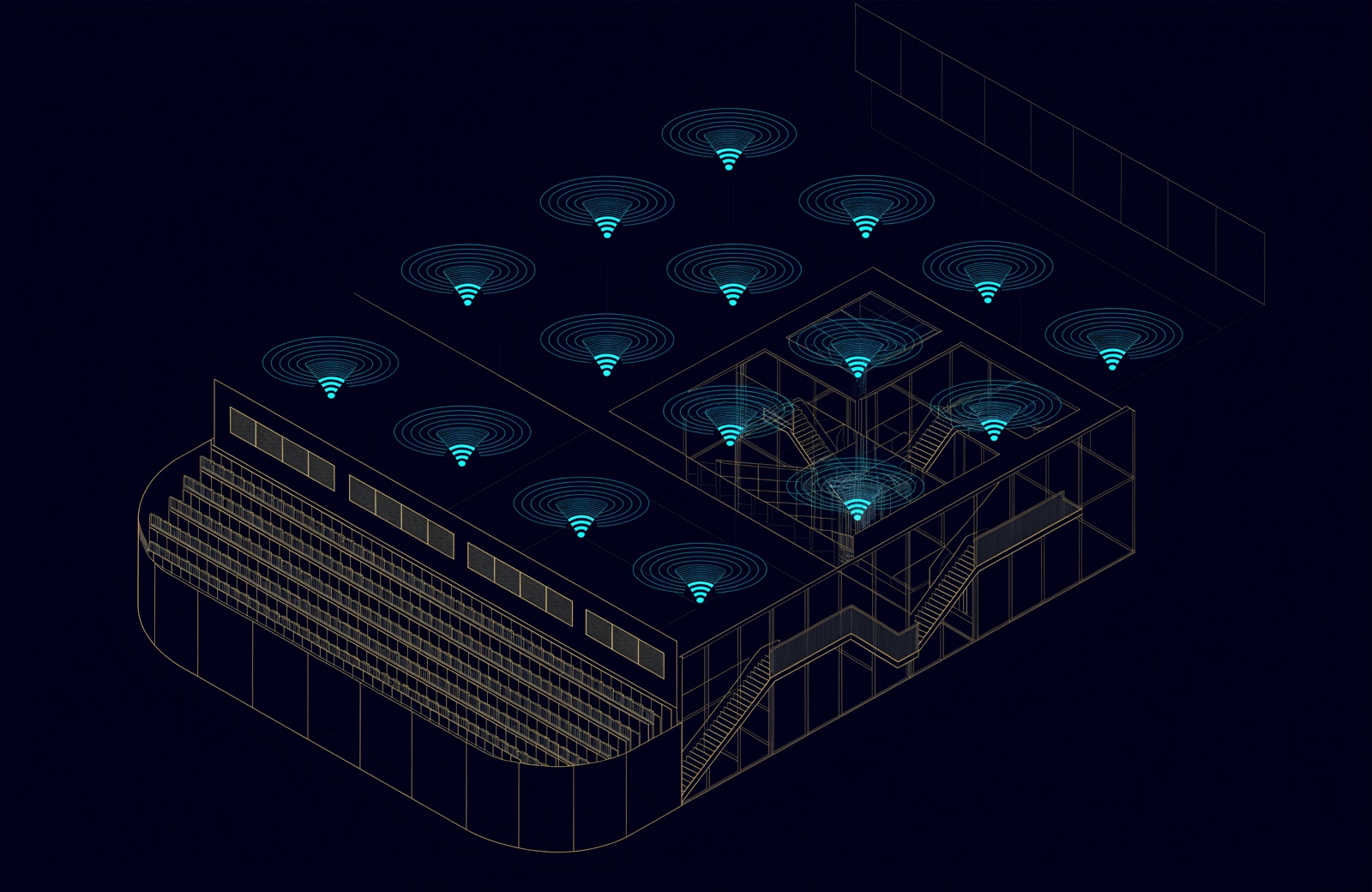
The brief almost always arrives as a coverage number. Minus sixty-seven dBm everywhere, no dead spots, here is the floor plan. It is a reasonable-sounding requirement and it is the wrong one, because coverage is the easy half of wireless and it has been the easy half since 802.11n.
What actually decides whether a campus network is any good is one hour of one morning: the first day of term, or the morning of an exam, or the day a conference lands in the hall. Three hundred people walk through a door in six minutes, every device they own associates at the same time, and every one of them opens the same portal.
Coverage is a map. Capacity is a schedule. Only one of them has a rush hour.
Start from the client count, not the floor area
The first number in a capacity design is not the square metres. It is how many devices will be in the room, associated, and asking for something at the same moment. In UAE education work the honest figure is almost always higher than the one in the brief, because the brief counts students and the network counts devices. A phone in a pocket associates whether or not anyone is using it.
Our working figures, which we revise per site rather than per sector:
- Lecture theatre: 1.6 devices per seat, 40 % of them active in any given minute.
- Open-plan office: 2.2 devices per desk once the headset, the phone and the laptop are counted.
- Hotel guest floor: 2.8 devices per occupied key at 21:00, and almost all of them streaming.
- Warehouse or back-of-house: low device count, but scanners are latency-sensitive and roam constantly, which is a different problem entirely.
Once you have that number, the access point count falls out of it. Thirty to forty concurrent clients per radio is a comfortable ceiling for mixed traffic. Sixty is achievable and unpleasant. Ninety is a support ticket with a date on it.
Cell size is a power problem before it is a placement problem
The instinct in a large hall is to mount fewer access points and turn them up. It does the opposite of what is wanted: a bigger cell means more clients sharing the same airtime, and the slowest client at the edge sets the pace for everyone in it.
Dense deployments run the opposite way: more APs, each at lower transmit power, with the cell edge deliberately pulled in to about minus sixty-five dBm and a minimum data rate that disqualifies the far edge. In a 400-seat hall that is typically six to eight APs at 8 to 11 dBm, not two at maximum. Directional antennas under the seating tiers do more for the back rows than any amount of power from the ceiling.
6 GHz is the first real channel relief in a decade
The 2.4 GHz band has three non-overlapping channels and it has had three since 1999. It is now a management and IoT band; nothing that matters should depend on it. The 5 GHz band gives you the working capacity, but DFS channels come with a radar-avoidance obligation that in practice pushes many designers onto the same UNII-1 and UNII-3 channels everyone else is using.
The 6 GHz band changes the arithmetic: enough spectrum for wide channels without co-channel contention, and no legacy traffic at all, because only Wi-Fi 6E and Wi-Fi 7 clients can see it. Two practical notes. Keep channel width at 80 MHz rather than 160 MHz in dense space; the extra width buys peak throughput for one client at the cost of channel reuse for everyone. And check the local regulatory position for the band and power class before you commit a design to it, because it has moved more than once.
Roaming is where a good design quietly fails
A wireless network can pass every capacity test and still feel broken, because a device that clings to a distant AP while walking past three closer ones will drop a call in a corridor. The fixes are unglamorous and specific:
- 802.11k so the client is told what its neighbours are, rather than scanning blind.
- 802.11v so the infrastructure can suggest a better AP before the client is desperate.
- 802.11r for fast transition, which matters the moment there is 802.1X. A full re-authentication mid-corridor is what a dropped call actually is.
- A minimum basic rate high enough that a client at the cell edge is pushed to re-associate instead of hanging on at 6 Mbps and dragging the cell down with it.
What has to be true on the wired side
Wireless failures are wired failures more often than anyone admits. Before signing a wireless design, three things have to be checked on the switch:
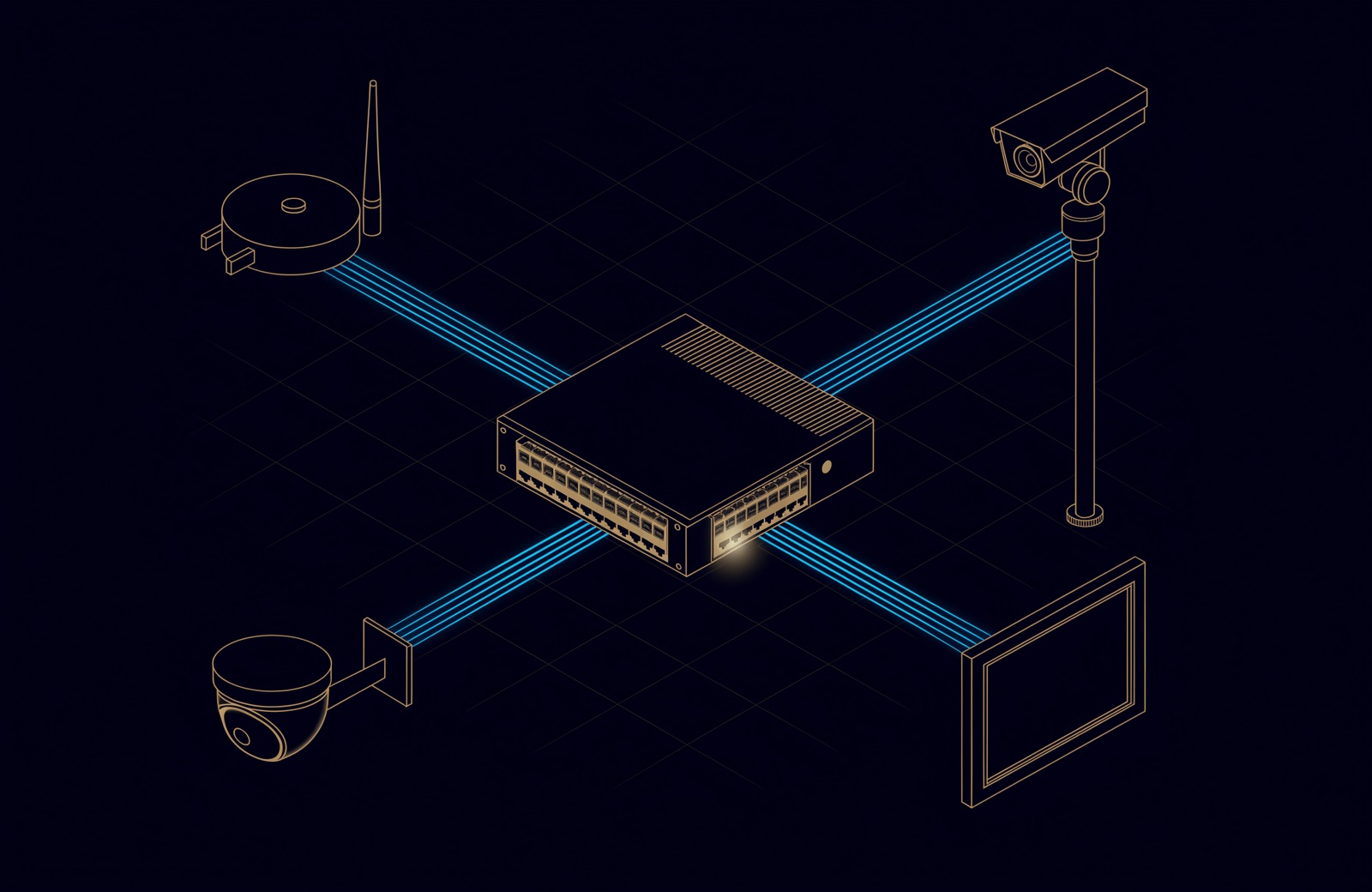
- PoE budget, calculated at the real class of the AP and not the datasheet best case. A Wi-Fi 6E tri-radio AP with both uplinks lit is a Type 3 or Type 4 load, and forty of them on a stack of 48-port switches is a power supply question.
- Access port speed. A modern AP can exceed 1 Gbps of real traffic. Multi-gigabit ports on the access switch are the difference between a design that lasts and one that is re-cabled with the next refresh.
- Uplink and gateway sizing. Two hundred APs behind a 1 Gbps internet circuit is an internet problem being reported as a wireless problem.
The survey that matters is the one after installation
A predictive survey is a design tool. It uses assumed wall attenuations, and in the UAE those assumptions are more wrong than usual: blockwork, gypsum partitions on metal studs, glass curtain walls and the occasional cast-in-place core all behave very differently, and a floor built to the same drawings in two buildings will not measure the same.
The deliverable that should be conditional on payment is the validation survey: measured, after installation, with the ceiling tiles in and the furniture placed, showing signal, noise, co-channel interference and throughput at the client height people actually use, not at the height of the surveyor's shoulder. Anything else is a drawing of a network, not a network.
Comments
Questions and experience from readers. A person reads every comment before it appears.
No comments yet. If something here does not match what you have seen on site, say so.