
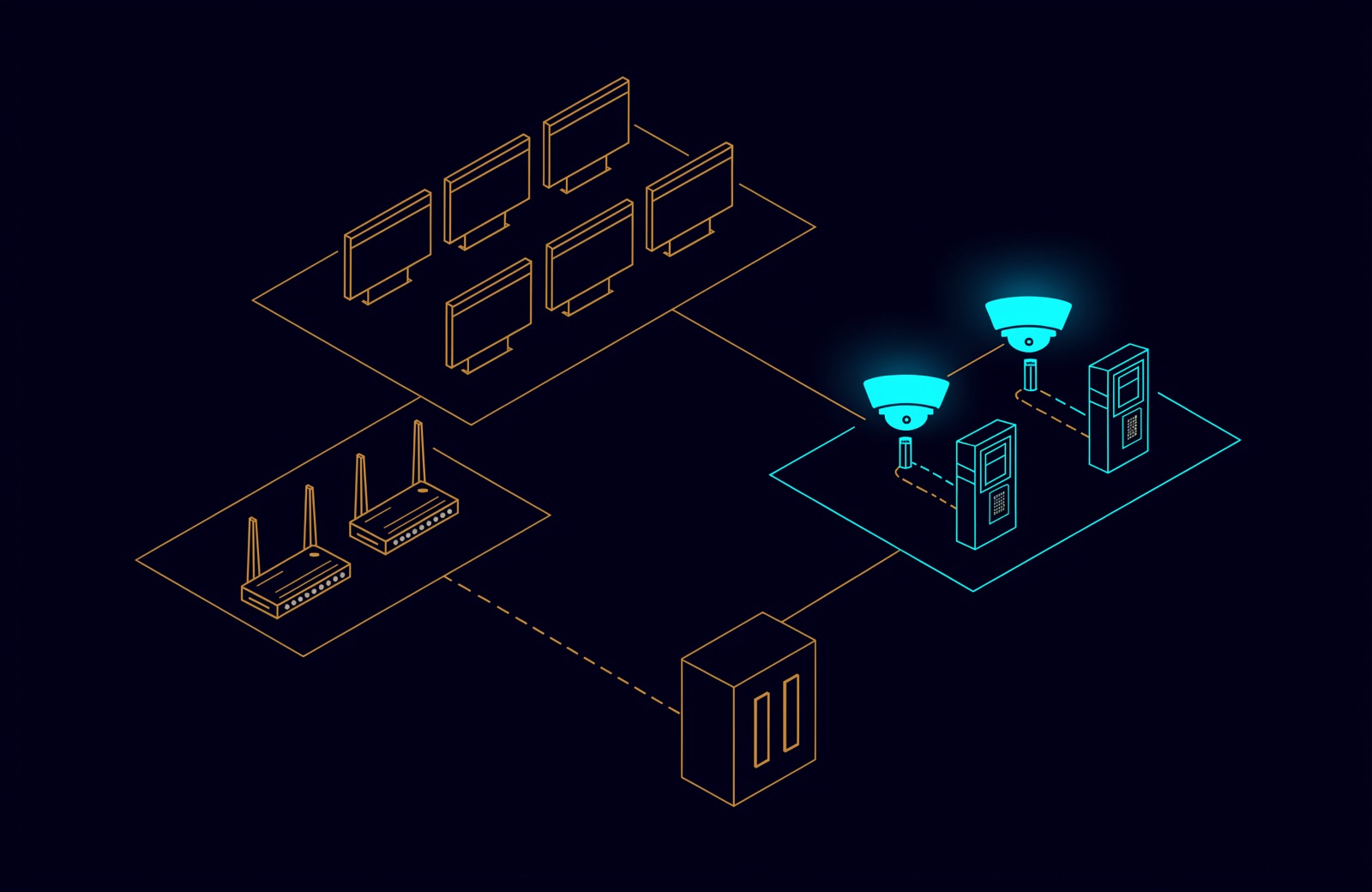
CCTV network security best practices come down to a handful of habits. Put cameras, recorders and door controllers on their own network that meets the company network only at a firewall. Forward no internet ports to them. Allow remote access only by VPN with multi-factor sign-in. Replace every default password, install signed firmware on a schedule, and log centrally.
In the UAE, many sites must do this by rule: the National Manual for Surveillance Systems (version 3.0, 2026) from the Monitoring and Control Centre (MCC) applies to the entities in the categories it lists. Our article on when CCTV becomes a network problem covers bandwidth and VLAN design; this one is about hardening.
CCTV network security best practices: the checklist
The first four keep an attacker away from the devices; the last four make a device that is reached hard to misuse and easy to investigate.
- Segment. Cameras, recorders and access control on their own network, meeting other networks only at a firewall.
- Deny by default. Firewall policies that allow named flows only, with logging.
- No port forwarding. Nothing published from the internet to a camera, recorder or controller.
- VPN-only remote access. Multi-factor sign-in, named accounts, limited in time.
- Unique credentials. No default passwords, one account per person, each role limited to its job.
- Signed firmware on a schedule. From the vendor's official source, integrity checked, recorded.
- One clock. NTP from a trusted internal source on every device, set to UAE time.
- Central logs. Device audit logs and firewall logs sent to a log platform or SIEM.
What the UAE National Manual requires
For the sites it covers, the manual makes most of the checklist a rule. Most clauses apply to both of its groups, A and B; its category table sets each site's group.
| Control | What the manual says | Applies to |
|---|---|---|
| Network | The surveillance network "shall be dedicated and isolated from any other network infrastructure" | A and B |
| Switches | MAC address filtering, unused ports disabled, SNMP v3 only (v1 and v2c prohibited) | A and B |
| Internet and cloud | No exposure to the public internet (remote management, cloud relay, vendor access, external integration) without prior approval; if approved, encrypted channels, strong authentication, logging and time-bound access; remote maintenance off by default | A and B |
| Accounts | Unique, non-default credentials before commissioning; one account per operator, no shared accounts; role-based access | A and B |
| Passwords (recording system) | At least 11 characters with upper and lower case, a digit and a special character; no reuse; lockout after more than 5 failed logins | A and B |
| Services | Telnet, FTP, HTTP management, default discovery services and unused ports disabled where operationally feasible | A and B |
| Firmware | Only from official or approved sources, integrity verified; critical and high-risk vulnerabilities on exposed or critical components remediated | A and B |
| Time | NTP from an approved, trusted source on all devices, UTC+4 | A and B |
| Logs | A tamper-proof audit log; a detailed audit trail kept as long as the video and forwarded to a log platform, SOC or SIEM | Log A and B; trail B |
The manual does not define "dedicated and isolated" in its terms section, so whether VLANs on shared switches qualify is a question for the concerned authority: confirm it before designing a regulated site on shared hardware. The manual is written for surveillance; we apply the same controls to access control in its own segment, and on a regulated site ask the authority whether door controllers may share the dedicated surveillance network at all. Coverage, storage and approvals are in our CCTV system guide for UAE businesses.
Segmentation: why a VLAN is only the start
A VLAN separates traffic on the switch, but if the core switch routes between all its VLANs, a laptop on the office VLAN can still reach a camera. On the core switch, put the security VLANs in their own VRF whose only route out is the firewall, or route them only on the firewall, so the firewall is their one meeting point with anything else. On the FortiGate itself, keep those interfaces in the same VRF as the networks they must reach, because a FortiGate only forwards packets between interfaces in the same VRF (FortiOS 7.6 VRF); the policies below do the separating.
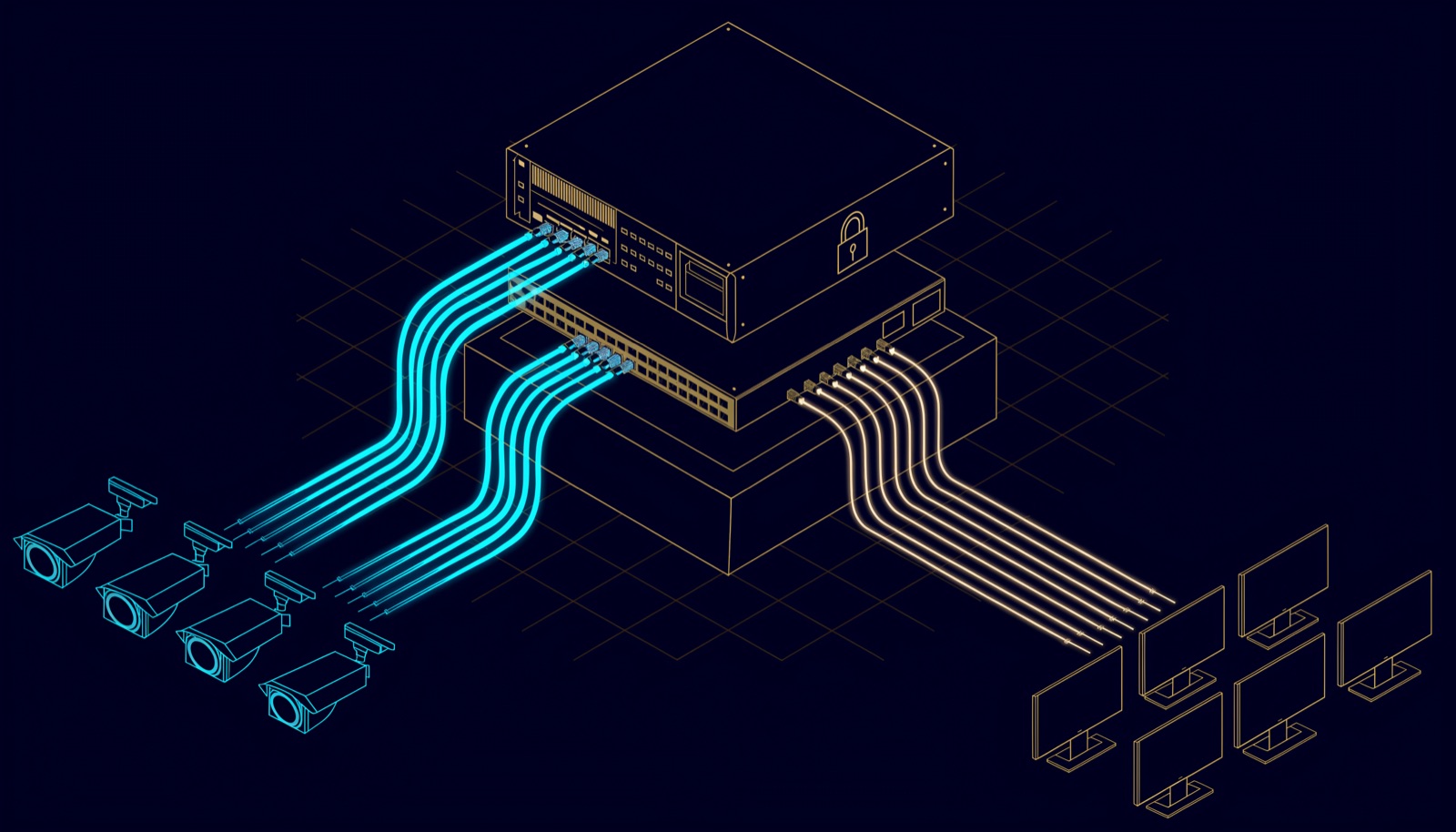
| Segment | What sits there | Allowed to reach |
|---|---|---|
| Cameras | IP cameras, plate readers | The VMS, for events only |
| Access control | Door controllers, intercom stations | The access control server |
| Security servers | NVR or VMS, access control server | Cameras, controllers, the log collector |
| Monitoring room | Operator workstations | The VMS and access control servers, on their client ports |
| Corporate and guest Wi-Fi | Staff devices, visitors | No security segment |
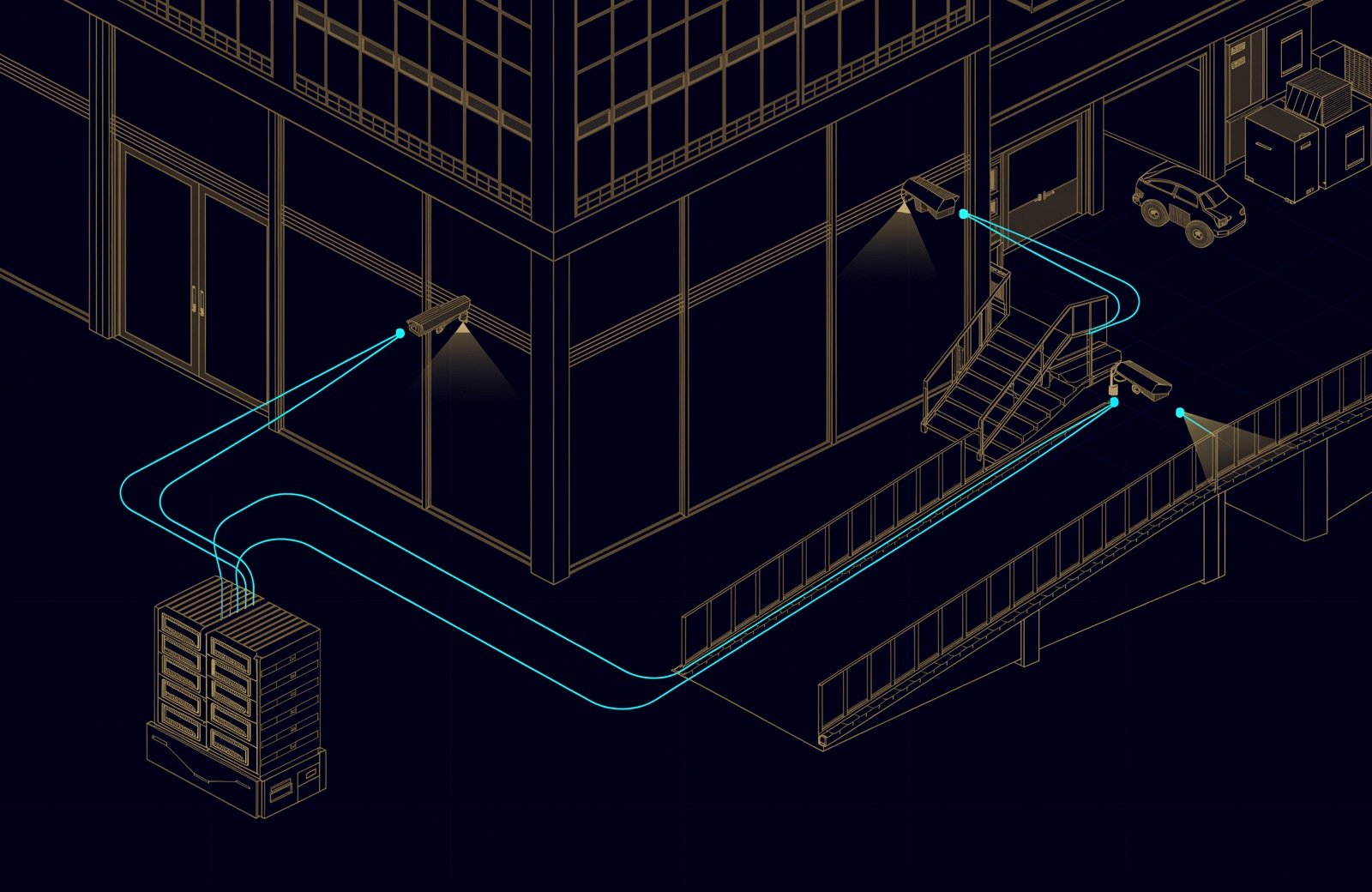
Outdoor cameras on poles are unattended network sockets, so the manual's MAC filtering and disabled unused ports matter there. The manual also asks for a recorder with at least one dedicated LAN port for connection with another network. That port is a second meeting point, so connect it only to a segment the firewall also controls, such as the monitoring room, and confirm the recorder does not route between its ports. A rack colour for security patch cords keeps them on the right switch; our patch cord colour guide suggests yellow as a site convention.
A worked FortiGate policy for the security network
A FortiGate denies traffic that matches no policy, and each direction a session can start from needs its own policy (FortiOS 7.6 firewall policy). So write the flows the system needs, log them, and let the implicit deny do the rest. Fortinet notes that logging denied traffic takes an explicit deny policy (FortiOS 7.6 policies), hence rows 7 and 8.
| # | From | To | Service (port) | Action |
|---|---|---|---|---|
| 1 | Security servers | Cameras | RTSP (TCP 554), HTTPS (TCP 443), the camera's device (SDK) port from vendor documentation | Accept, log |
| 2 | Cameras | Security servers | The VMS event port | Accept, log |
| 3 | Access control | Security servers | The controller ports | Accept, log |
| 4 | Monitoring room | Security servers | VMS and access control client ports | Accept for the operators' group |
| 5 | Security servers | Log collector or SIEM | Syslog over TLS (TCP 6514) | Accept |
| 6 | IPsec VPN | Security servers | HTTPS (TCP 443), SSH (TCP 22) | Accept for named users with MFA; one-time schedule for vendors; log |
| 7 | Corporate, guest Wi-Fi | All security segments | All | Deny, log violations |
| 8 | All security segments | Internet | All | Deny, log violations |
The numbered ports in the table are the IANA registrations; take vendor ports from the vendor's documentation rather than opening ranges. No virtual IP points into a security segment. Time comes from the FortiGate itself, set up as a local NTP server on the security interfaces (FortiOS 7.6 system time). With no internet route, firmware is downloaded by an administrator, checked and uploaded.
Remote access: VPN, never port forwarding
Port forwarding publishes a recorder to the whole internet, and the recorder's password becomes the one barrier; on a FortiGate it is a virtual IP with port forwarding. In 2014, Abu Dhabi Police's Criminal Investigation Department reported a loophole that let hackers remotely access CCTV systems in homes, schools and businesses through vendor default usernames and passwords that owners had not changed, with search engines revealing the devices still using them.
Use the firewall's VPN instead: FortiClient as a dial-up IPsec client, a one-time password from FortiToken or a similar second factor, a policy that reaches only the systems needed, and for vendors, a schedule that ends with the job. If your FortiGate still runs SSL VPN tunnel mode, plan the move: from FortiOS 7.6.3 it is replaced with IPsec VPN, which can use TCP port 443, and the old settings are not upgraded (FortiOS release notes). Through the VPN, MFA and the policy stand in front of the recorder, a schedule limits vendor sessions, and every session is logged. On a site the manual covers, remote and vendor access also need the authority's prior approval.
Passwords and accounts
Every device gets a unique credential before commissioning and every operator an individual account, with each role limited to the minimum it needs across live view, playback, export, deletion, configuration, user management and system administration. Accounts of former staff and expired contractors are disabled promptly.
| Rule | National Manual 3.0 (recording system) | Abu Dhabi Police advice | NIST SP 800-63B-4 (2025) |
|---|---|---|---|
| Length | At least 11 characters | Not specified | At least 15 characters as a single factor; 8 with MFA |
| Composition | Upper and lower case, a digit, a special character | More complex and unrelated | No composition rules imposed |
| Change | Default credentials changed "on a continuous basis"; no reuse | Change regularly | No forced periodic change; change on evidence of compromise |
| Failed logins | Lockout after more than 5 attempts | Not addressed | No more than 100 consecutive failures |
The police advice comes from the 2014 alert and a 2024 Abu Dhabi Police and MCC campaign on home surveillance systems, which also asks owners to keep the username private and not share the password. NIST SP 800-63B-4 is US federal guidance, shown for comparison. Where the manual applies it governs, and one password satisfies both: a passphrase of 15 or more characters that includes upper and lower case, a digit and a symbol. The manual also asks the site to keep a document of usernames and passwords; keep it in a password vault, not a shared spreadsheet.
Firmware: a cadence you can keep
The manual asks for continuous firmware updates and a patch process that remediates critical and high-risk vulnerabilities on exposed or critical components, but its update clauses set no interval, so set one. The bands are from CVSS v4.0; the handling is our suggestion.
| CVSS rating | Score | Suggested handling |
|---|---|---|
| Critical | 9.0-10.0 | Test on one device, then update straight away |
| High | 7.0-8.9 | Same fast track |
| Medium and low | 0.1-6.9 | Quarterly maintenance window |
Every update follows the same steps: check advisories monthly against the asset inventory, see which devices are affected, rate the flaw by CVSS, download from the official source and verify the signature or checksum, test on one device, roll out to the rest, and record the new version in the inventory. Sources to watch: Hikvision, Dahua PSIRT and, for the firewall, FortiGuard PSIRT. A flaw in CISA's Known Exploited Vulnerabilities catalog is known to have been exploited, so treat it as urgent whatever its score.
Why ONVIF is ending support for Profile S
Because Profile S specifies authentication that no longer matches current cybersecurity recommendations. On 9 October 2025 ONVIF announced it will end support for Profile S, which "specifies authentication mechanisms that are no longer consistent with current cybersecurity recommendations", and urged dropping its username token authentication where possible in favour of TLS/HTTPS or Profile T. The June 2026 test tools, valid for 9 months, are the last that allow Profile S conformance claims. Deployed systems keep working, and most conformant devices support both profiles.
The National Manual still names Profile S, or an approved alternative, and requires ONVIF with authenticated access, non-default credentials, encrypted transport where supported and minimum permissions, and unused services and discovery disabled after commissioning where feasible. So specify Profile S and Profile T, use HTTPS where both ends support it, and give the recorder its own ONVIF account.
Time and logs: making an incident traceable
An investigation needs one clock and a record of every action. The manual asks every site it covers for NTP and a tamper-proof audit log. For Group B, the audit trail records, among other events, failed and successful logins, account, permission and configuration changes, firmware updates, remote sessions, and access to, export or deletion of video; the system must also alert on repeated failed logins, suspicious login locations and logins outside approved maintenance windows. Firewall logs show who reached the system and from where; a FortiGate deletes logs older than seven days from its disk by default, so send them to FortiAnalyzer or a syslog server (FortiOS 7.6 log settings).
Access control panels and card readers
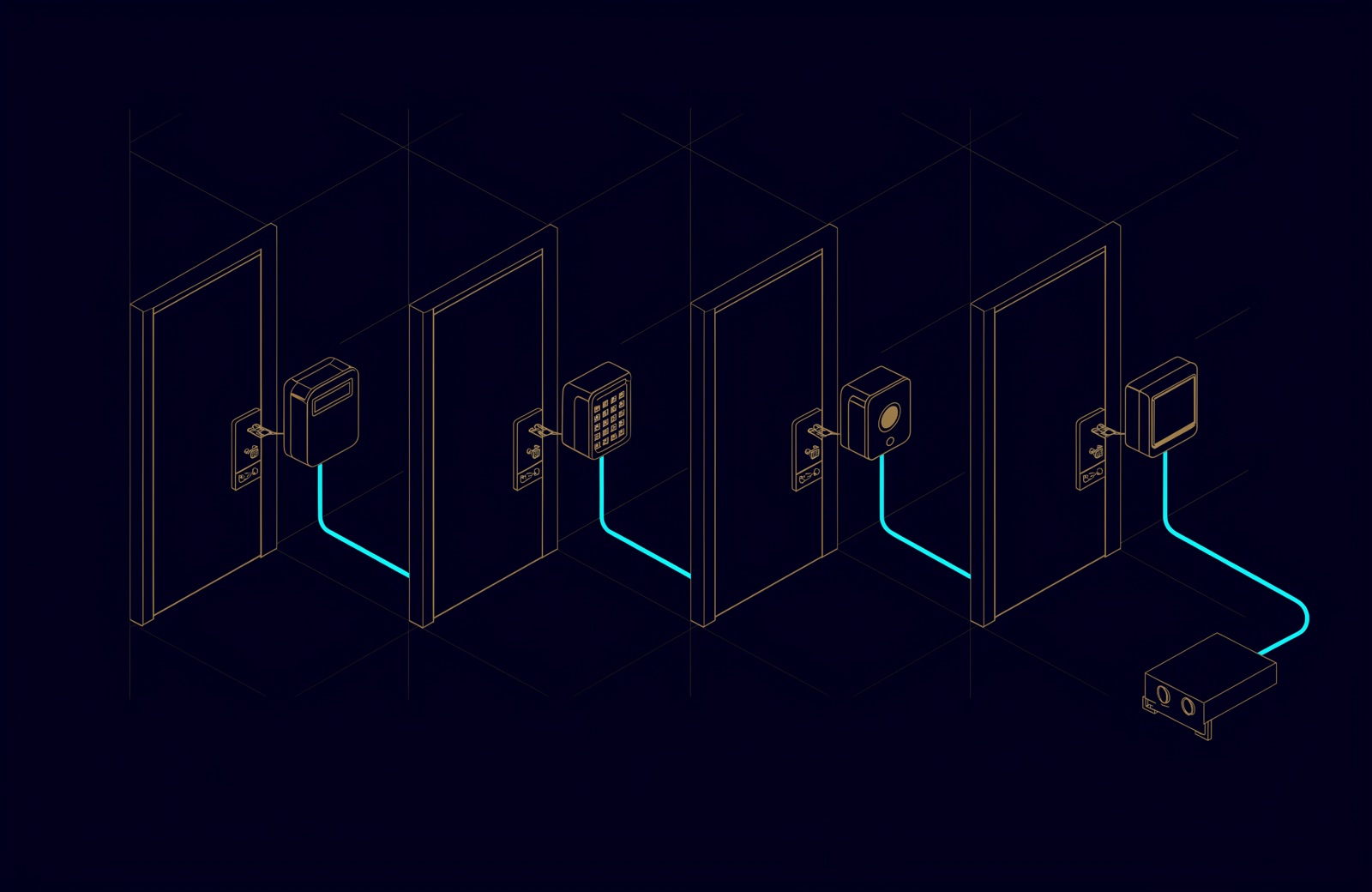
Door controllers are network devices with the same weak points as cameras, and they open doors: same segment rules, accounts, firmware and logs. The reader cable matters too. Wiegand sends card data one way in plain text; OSDP, published as IEC 60839-11-5:2020, adds two-way supervision and a Secure Channel mode with AES-128 encryption (Axis, 2025). Specify OSDP with Secure Channel on, and protect its keys. For credentials, see our guide to card, PIN, fingerprint and face access control.
How UBM handles it
UBM designs CCTV and access control as part of the network, not beside it. Segmentation between the networks that should never see each other is drawn at design stage; the firewall policy is written from observed traffic during deployment and documented with the camera schedule; configurations are backed up before and after every change; remote access is never a shared password. After handover, maintenance covers firmware and signature currency in a maintenance window, log retention that meets the requirement, and a quarterly review of what the estate reported. See our CCTV and physical security work, or talk to a UBM engineer about your camera network.
Questions people ask
Should CCTV be on a separate network or a VLAN?
At least a VLAN in its own VRF, routed only through a firewall. Sites under the 2026 National Manual need a network "dedicated and isolated from any other network infrastructure"; ask the authority whether shared switches qualify.
Is it safe to port forward an NVR for remote viewing?
No. It exposes the recorder's login to the whole internet, and the manual does not permit internet exposure without prior approval. Use a VPN with multi-factor sign-in that reaches only the VMS. On a site the manual covers, that remote access also needs the authority's prior approval.
How often should CCTV firmware be updated?
The manual requires continuous updates without a fixed interval. A workable rhythm: check advisories monthly, fast-track critical and high fixes after a one-device test, and bundle the rest quarterly.
What password rules apply to CCTV in the UAE?
For recording systems under the National Manual: at least 11 characters with upper and lower case, a digit and a special character, no reuse, lockout after more than 5 failed logins, and no shared accounts.
Can I still use ONVIF Profile S cameras?
Yes. Deployed systems keep working and the manual still names Profile S, but ONVIF recommends Profile T and TLS/HTTPS, so specify devices that support both profiles.
Sources
- National Manual for Surveillance Systems, Version 3.0, Regulations section (Monitoring and Control Centre, 2026)
- ADP Uncovers a Security Loophole in CCTV Surveillance Devices (Abu Dhabi Police, 21 November 2014)
- Abu Dhabi Police and the Monitoring and Control Centre call on the public to follow home surveillance system controls (Abu Dhabi Police, 22 November 2024, in Arabic)
- ONVIF to End Support for Profile S; Recommends Profile T as Replacement (ONVIF, 9 October 2025)
- FortiOS 7.6.5 Administration Guide: Firewall policy, Policies, Virtual routing and forwarding, Virtual IPs with port forwarding, FortiClient as dialup client, FortiTokens, Setting the system time, Log settings and targets (Fortinet, 2026)
- SSL VPN tunnel mode replaced with IPsec VPN, FortiOS 7.6.6 Release Notes (Fortinet, 2026)
- NIST SP 800-63B-4, Digital Identity Guidelines: Authentication and Authenticator Management (NIST, July 2025)
- Common Vulnerability Scoring System v4.0: Specification Document (FIRST, 2023)
- Known Exploited Vulnerabilities Catalog (CISA, 2026)
- Security Advisory (Hikvision, 2026), Dahua PSIRT (Dahua Technology, 2026), PSIRT Advisories (FortiGuard Labs, 2026)
- Service Name and Transport Protocol Port Number Registry (IANA, 2026)
- IEC 60839-11-5:2020, Electronic access control systems: Open supervised device protocol (OSDP) (IEC, 2020)
- Why choose OSDP over Wiegand in access control (Axis Communications, May 2025)
Comments
Questions and experience from readers. A person reads every comment before it appears.
No comments yet. If something here does not match what you have seen on site, say so.